Traktor Pro 4 Legacy / Export Mode
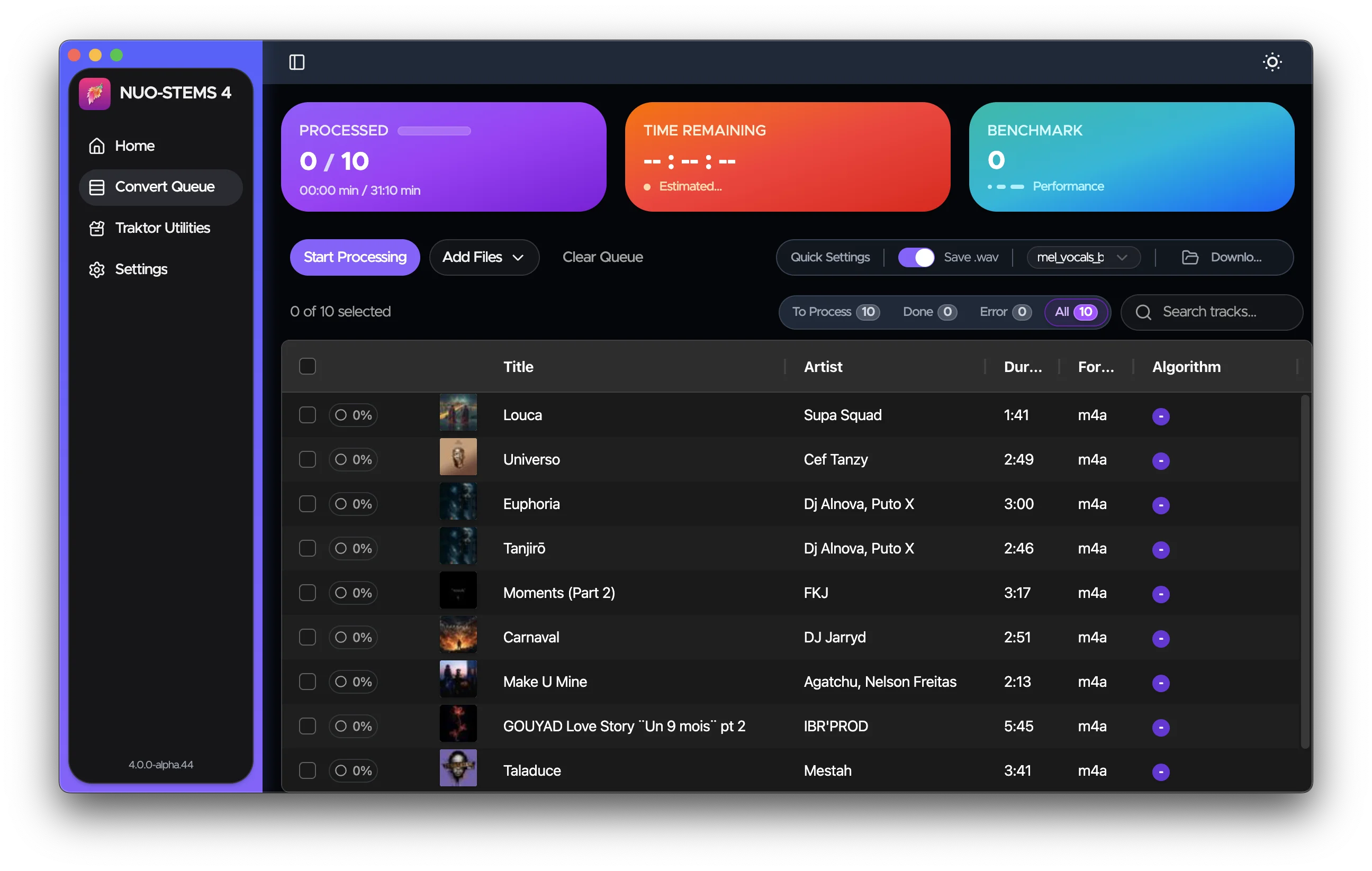
Traktor Pro 4 Legacy / Export mode creates legacy .stem.m4a files that only work with Traktor Pro 4.
This mode is also useful if you have Gaming PC (with GPU) and want to generate STEMS for your DJ Laptop. You can then use Utilities in NUO-STEMS 4 (on DJ laptop) to migrate .stem.m4a files to linked stems on your DJ Laptop Traktor collection. Using Utilities does not require a paid license.
It's not recommended to use this mode if you have Traktor Pro 4. Use Native Traktor Pro 4 mode instead.
The only valid use case for this mode is if you want to save space & you're ok to only have .stem.m4a files in your collection. Meaning that you don't want to have original tracks in your collection.
There is no Utilities feature to sync metadata between originals and stems in NUO-STEMS 4 (like Traktor Utilities in NUO-STEMS 3). This is a deliberate design decision. I want you to support Traktor team by upgrading to Traktor Pro 4.
Also, .stem.m4a files created in NUO-STEMS 4 are not compatible with NUO-STEMS 3.
Overview
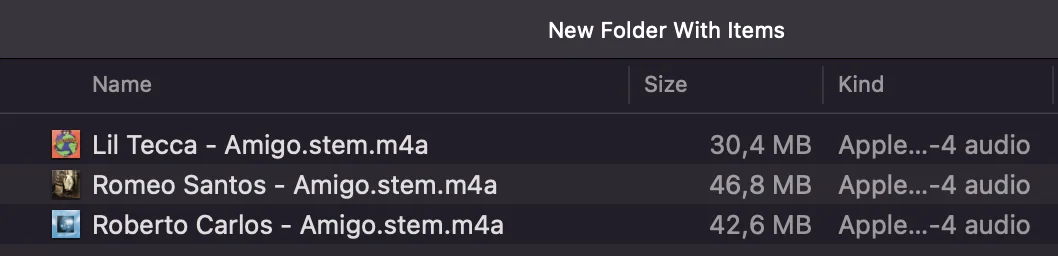
When using Traktor Pro 4 Legacy / Export mode:
- Stems are saved as
.stem.m4afiles - Stems are saved to your configured output folder in NUO-STEMS 4 Settings
- Stems appear as separate entries in your Traktor collection
- You need to manually add stem files to your collection
Important Notes
There are no "Traktor Utilities" similar to NUO-STEMS 3 which would allow you to transfer metadata between originals and stems. You need to treat .stem.m4a files as first class citizens.
- Stems created in this mode are separate files that need to be added to your collection
- For Traktor Pro 4 users, I recommend using Native Traktor Pro 4 mode instead
Traktor Pro 3 compatibility
.stem.m4a files created in NUO-STEMS 4 are not compatible with Traktor Pro 3.
When trying to load .stem.m4a files created in NUO-STEMS 4 in Traktor Pro 3, you will see an error:
Can not read stem metadata for file: FILE.stem.m4a. Detail: version: 2 is not supported.
This is a deliberate decision for NUO-STEMS 4 to not support Traktor Pro 3 - I want you to support Traktor team by upgrading to Traktor Pro 4. I strongly believe that 50$ (as of Black Friday deals) is a great value for what you're getting - it's an investment into future of Traktor.
Traktor Pro 3 was released October 18, 2018. Which is more than 7 years ago.
If you need to use .stem.m4a in Traktor Pro 3, you can continue to use NUO-STEMS 3 with Traktor Pro 3.
You can read more about this in the Traktor Pro 4 Legacy / Export Mode section.
Dealing with Errors in NUO-STEMS 4
Errors happen. If your track fails to process, you can see the exact error message by hovering over the error icon next to the track in the queue.
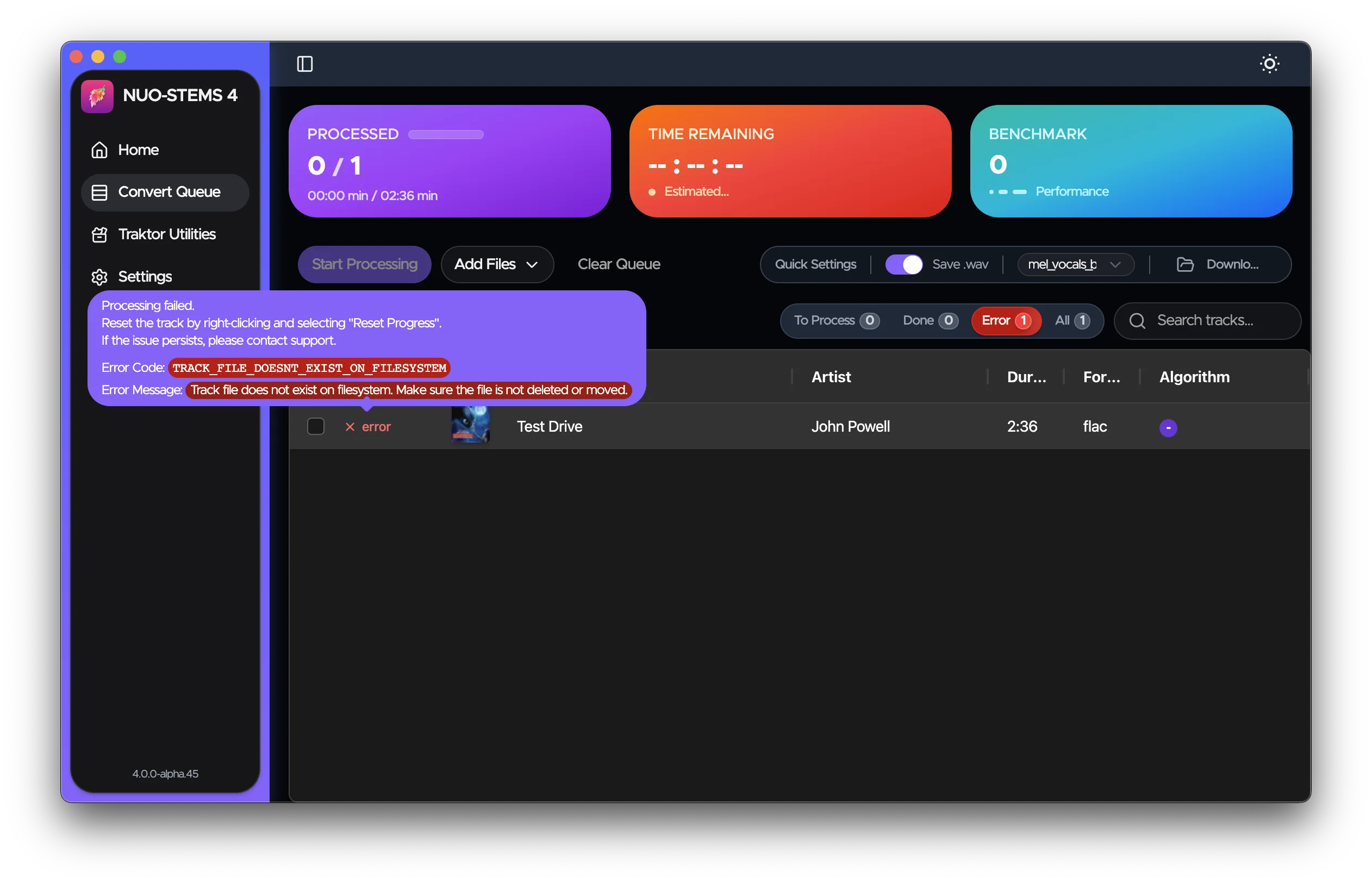
It's usually enough to understand the error and fix it on your own.
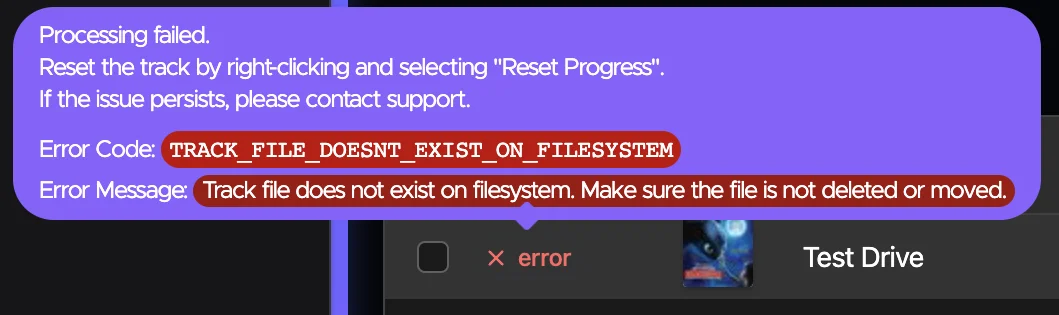
Sometimes, error may simply go away if you just re-add the track to the queue.
Getting Help
If you continue to experience issues or you're not sure how to fix the error:
- Join our Discord server: https://discord.gg/dfpk9FbvJE
- Contact me: [email protected]
When reporting errors, please include:
- The error message you're seeing
- Steps to reproduce the issue
- The
main.logfile from the logs directory - open NUO-STEMS 4 Settings -> Advanced -> Open Logs Folder.- Don't share the log publicly - only to [email protected]