DAW / Non-Traktor Mode
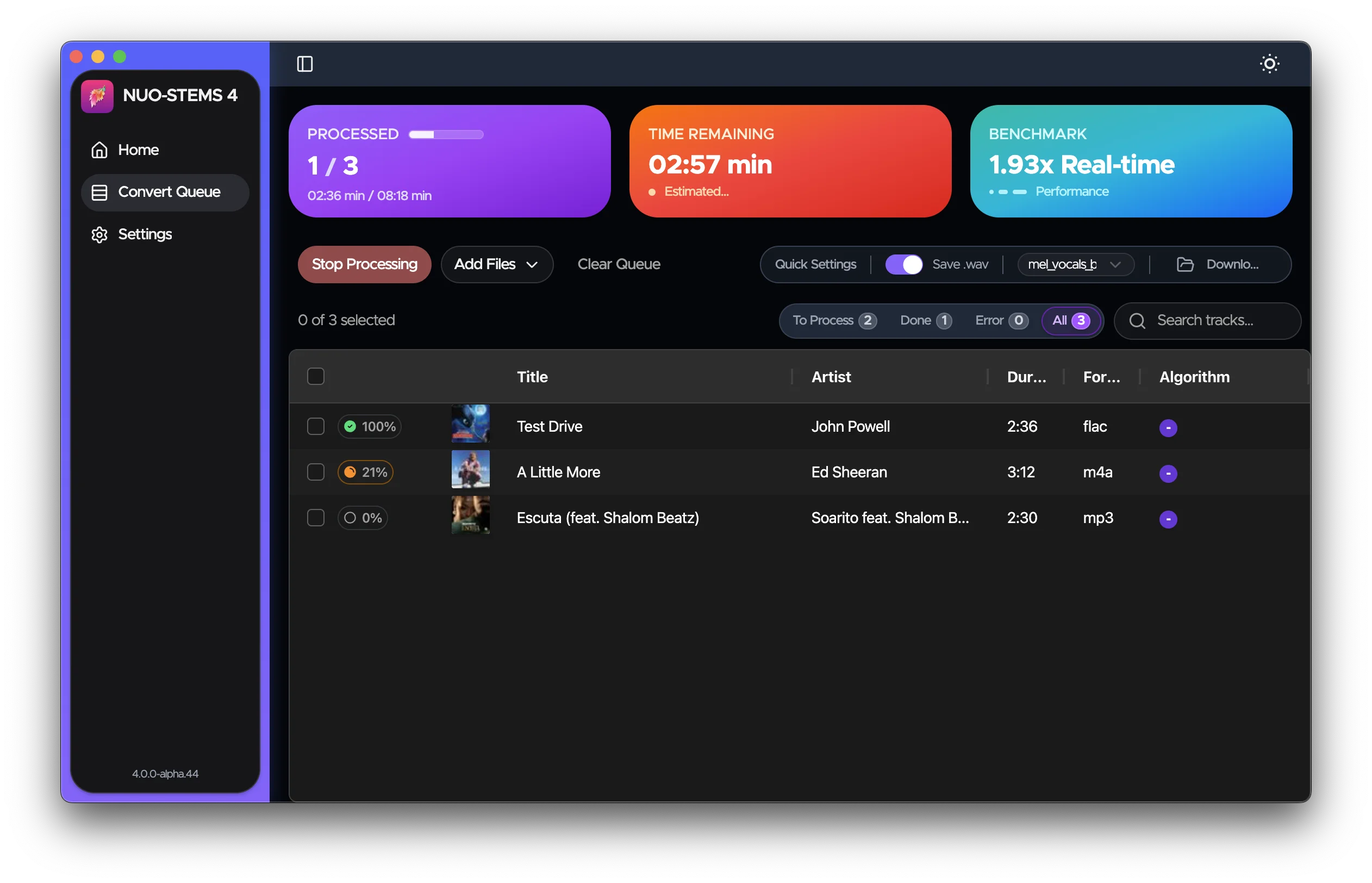
DAW / Non-Traktor mode allows you to create stems for use in Digital Audio Workstations (DAWs) or other DJ software that isn't Traktor.
Overview
When using DAW / Non-Traktor mode:
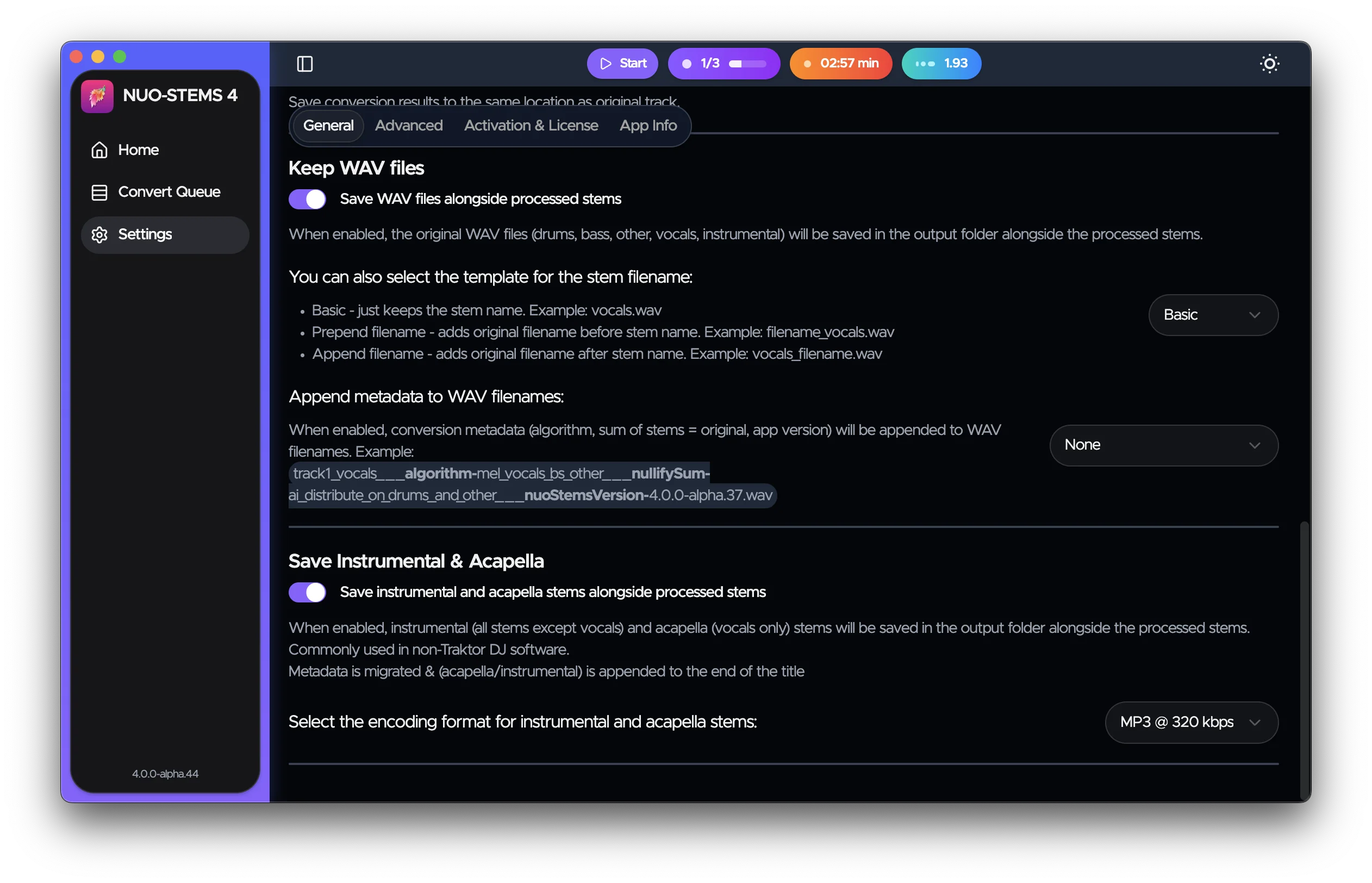
- Stems are saved as individual WAV files
- Optionally, you can save Instrumental & Acapella as WAV or MP3 (set in NUO-STEMS 4 Settings)
- Stems can be used in software like Ableton Live, Logic Pro, Rekordbox, Serato, etc.
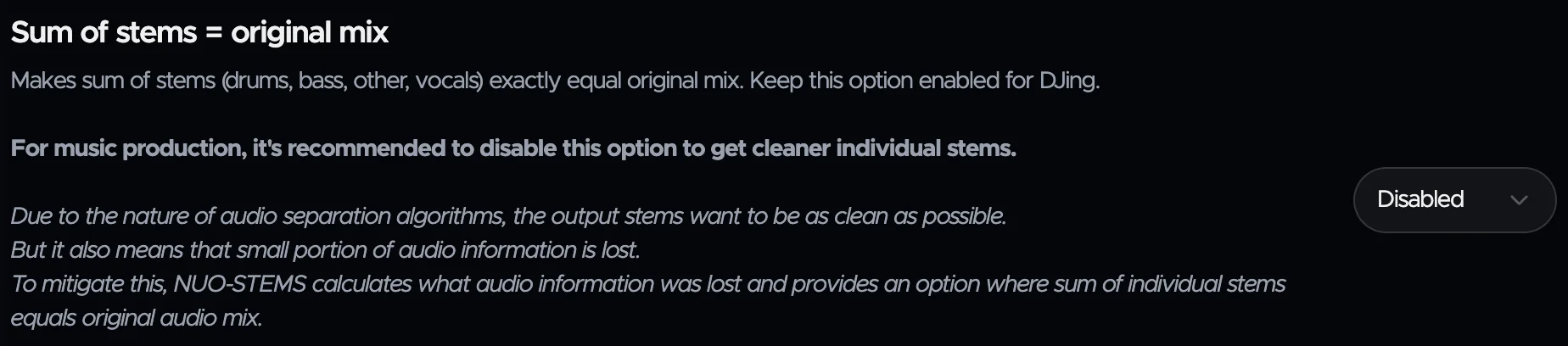
It is recommended to turn off "sum of stems = original mix" in NUO-STEMS 4 Settings when using DAW / Non-Traktor mode.
This will provide cleaner results.
Using .wav stems in DAW
Ableton
To use .wav stems in Ableton, you can drag and drop the stems into the project.
Hold Cmd (Mac) or Ctrl (Windows) when dragging to put each .wav into separate track.
Other Settings
There are various settings available to configure how WAV stems are named & saved.
Dealing with Errors in NUO-STEMS 4
Errors happen. If your track fails to process, you can see the exact error message by hovering over the error icon next to the track in the queue.
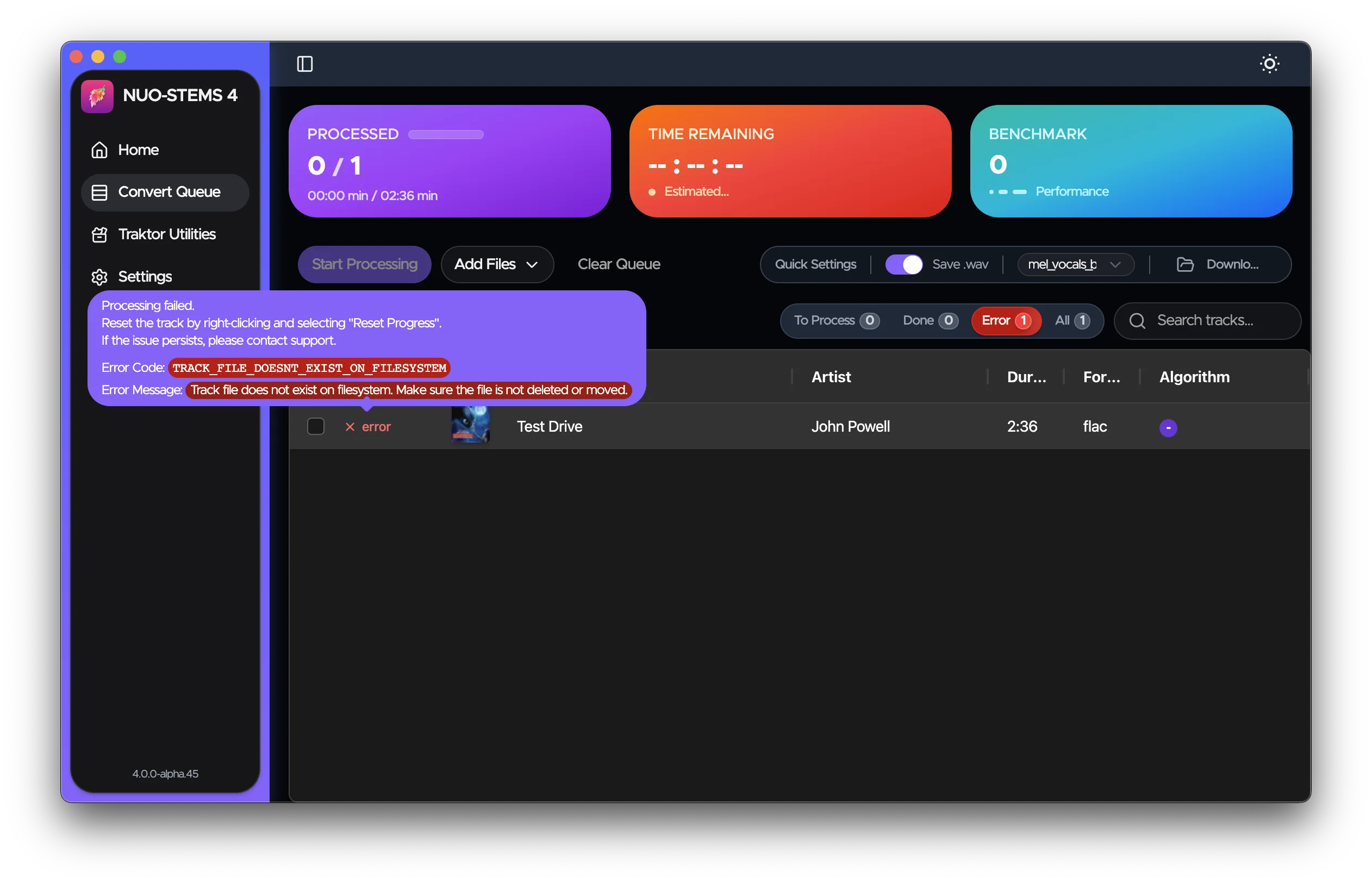
It's usually enough to understand the error and fix it on your own.
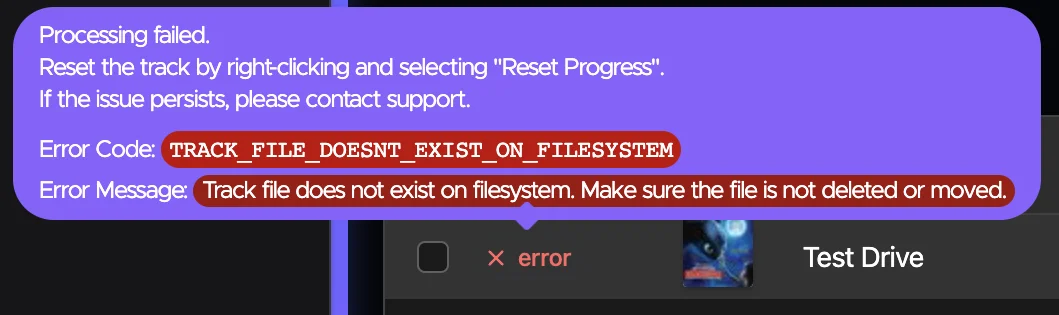
Sometimes, error may simply go away if you just re-add the track to the queue.
Getting Help
If you continue to experience issues or you're not sure how to fix the error:
- Join our Discord server: https://discord.gg/dfpk9FbvJE
- Contact me: [email protected]
When reporting errors, please include:
- The error message you're seeing
- Steps to reproduce the issue
- The
main.logfile from the logs directory - open NUO-STEMS 4 Settings -> Advanced -> Open Logs Folder.- Don't share the log publicly - only to [email protected]