Traktor Utilities - Table actions
Table view of Traktor Utilities allows you to see all the tracks in your Traktor Collection. Both the ones that have STEMS & the ones that don't.
Filters
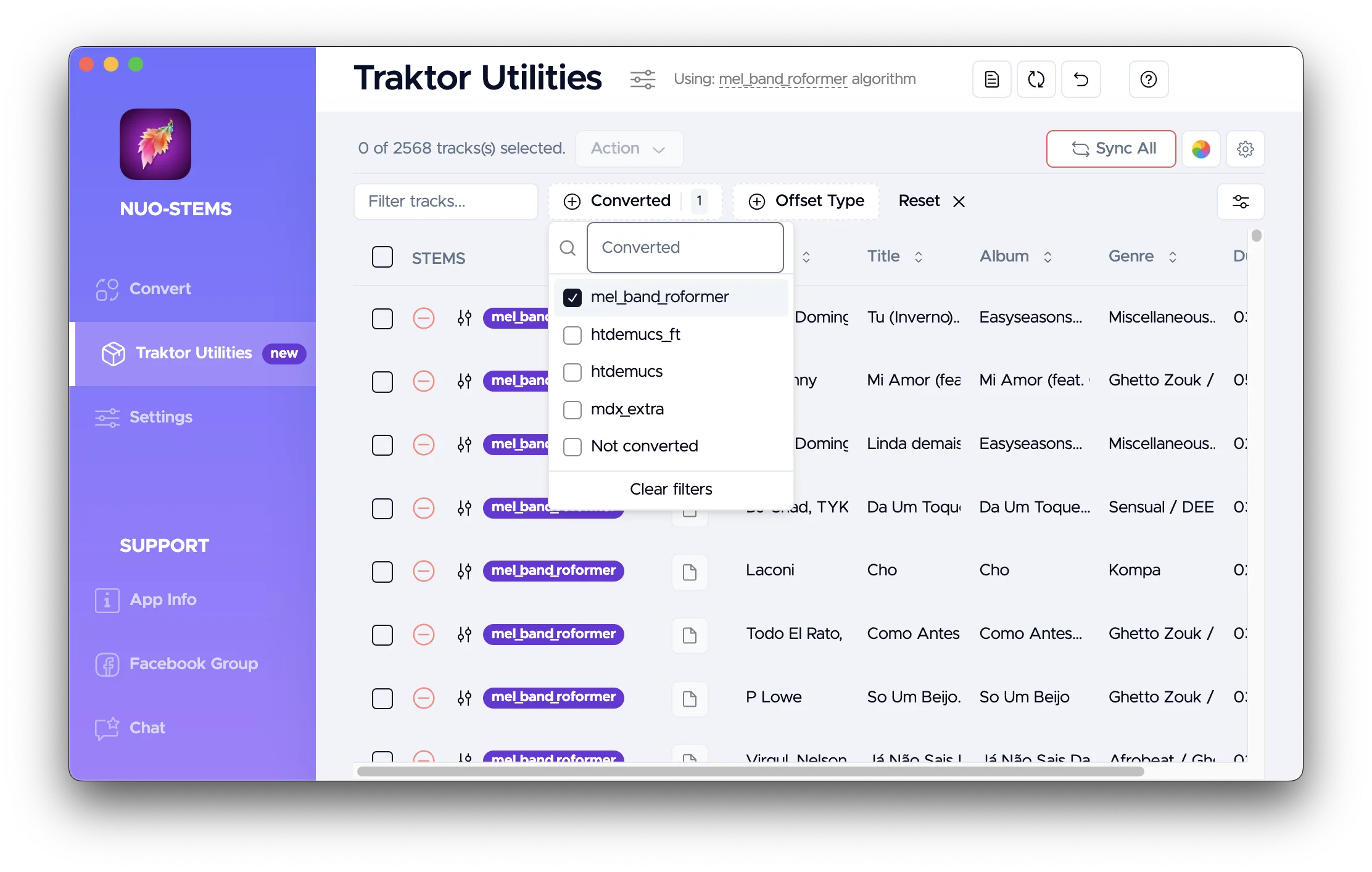 Filters at the top allow you to filter the tracks by:
- Text search. By all the columns.
- Converted. Whether they have STEMS and which algorithm they have.
- Offset Type. Whether the offset is manual or automatic. More on this in the next sections.
Actions
Multi-select
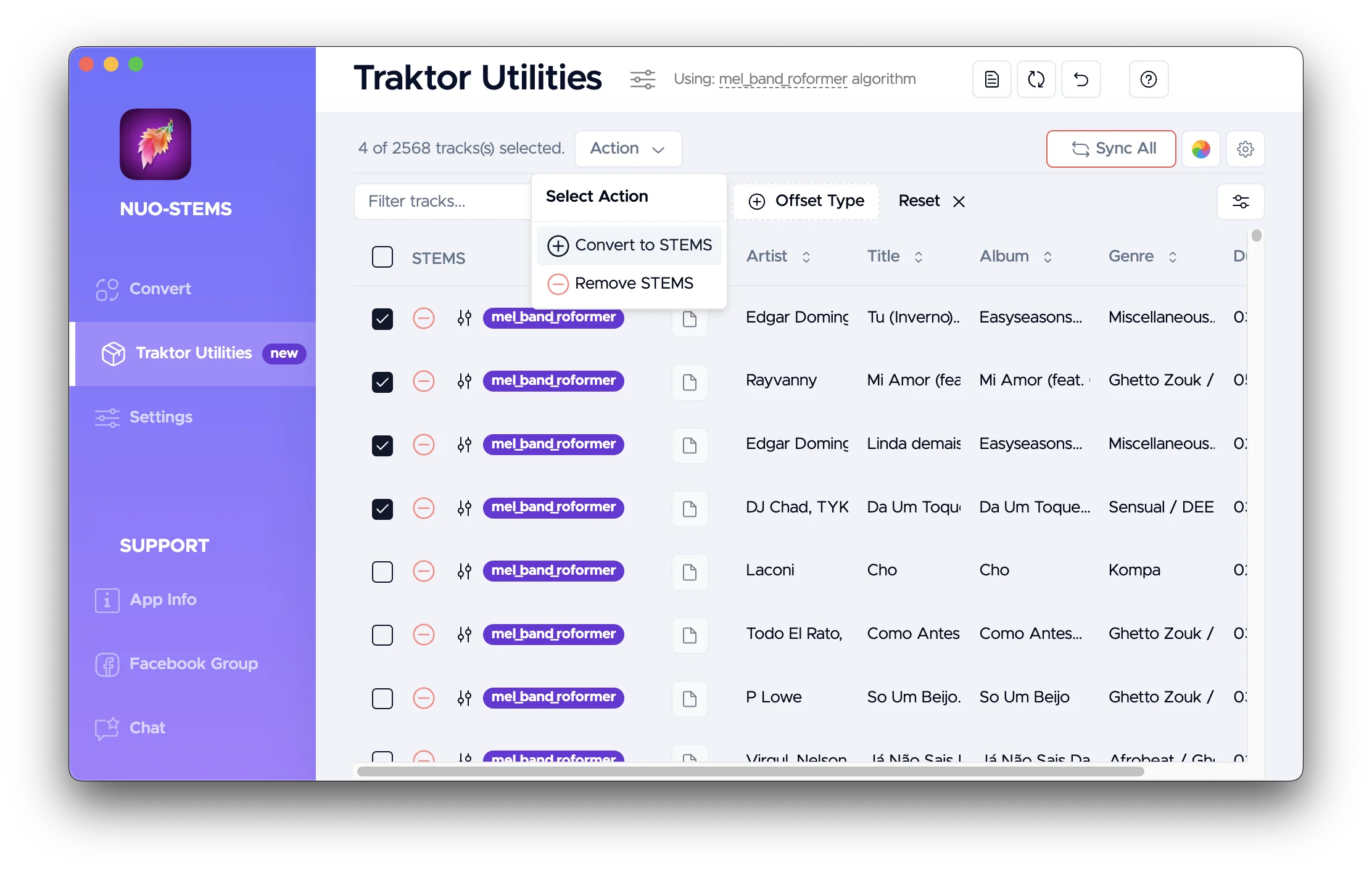 You can multi-select tracks by toggling the checkbox in the first column.
Then, "Action" button with dropdown will appear at the top with actions that can be performed on the selected tracks:
- Convert to STEMS. Adds them to the Queue to be converted to STEMS.
- Remove STEMS. Removes the STEMS files from the collection.
- Also, can put STEMS into the Archite folder or into the Trash, depending on the Settings.
Remove STEMS action
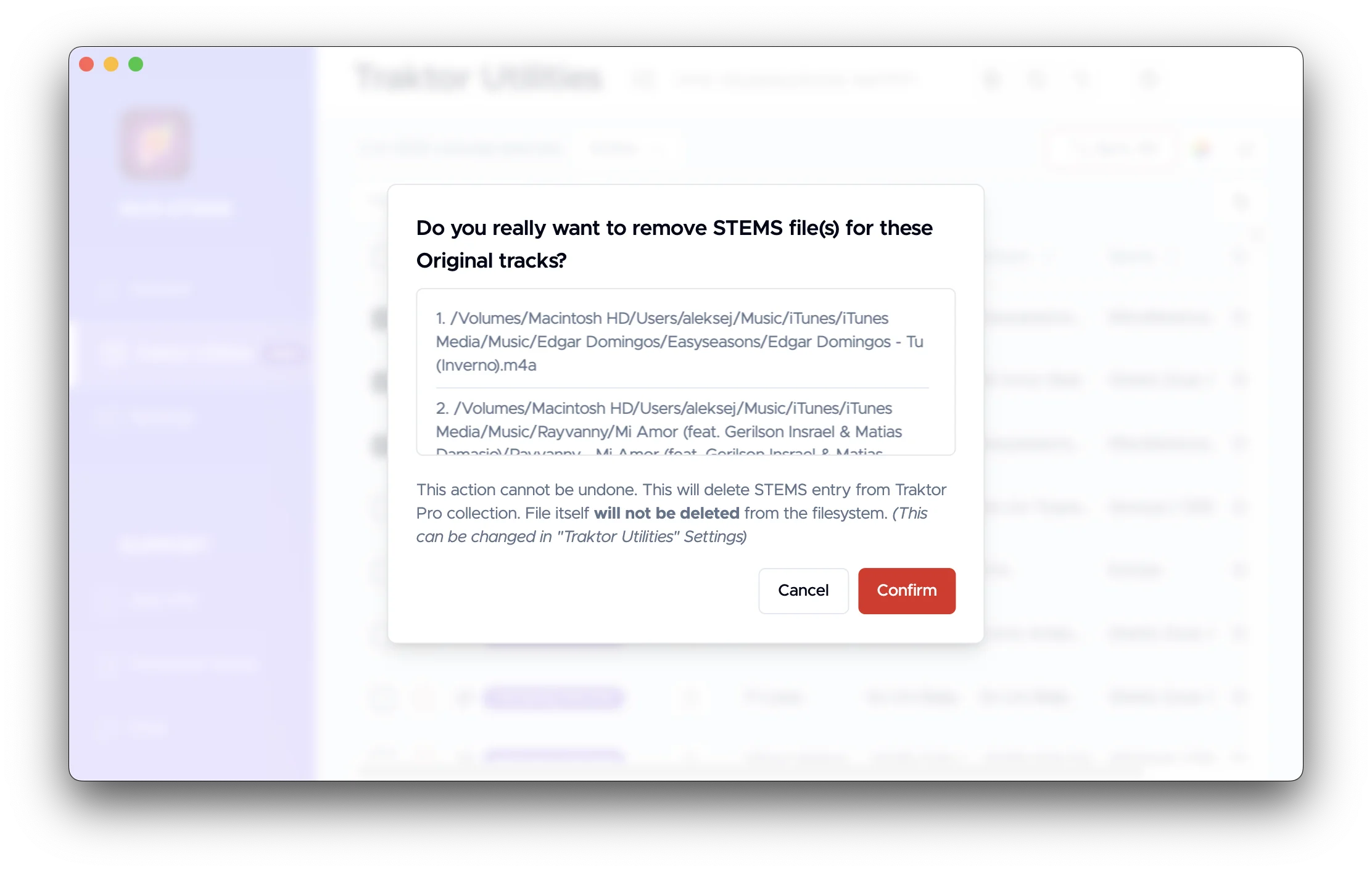
If you click "Remove STEMS" button or "minus" icon on individual track...

...you will see a modal window to confirm the action
Convert to STEMS action
If you click "Convert to STEMS" button or "plus" icon on individual track...

...you will see a modal window to confirm the action
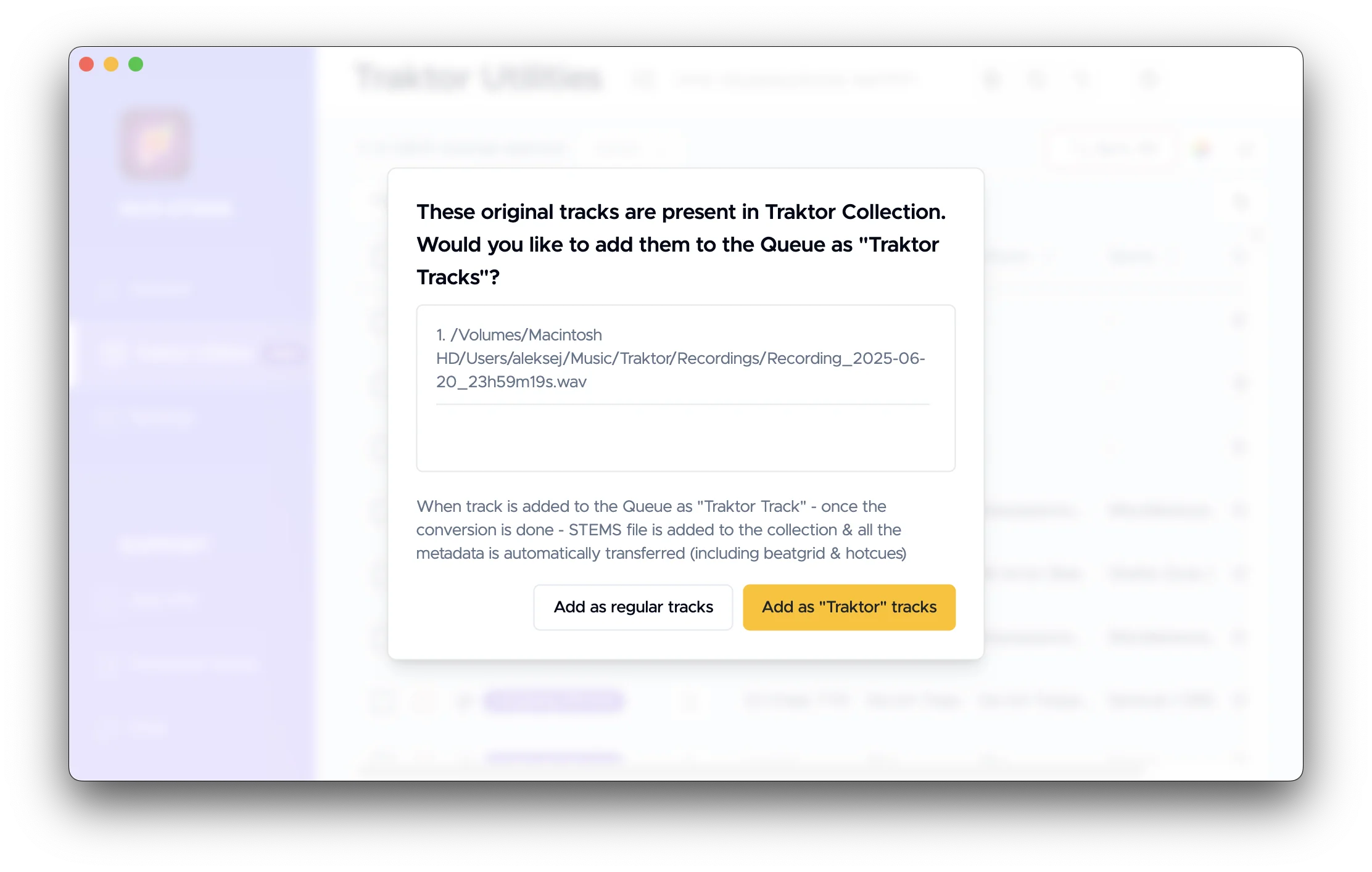
You have 2 options:
- Add as regular tracks. Adds them to the Queue to be converted to STEMS. Just as if you dragged and dropped them to the Queue.
- Add as "Traktor" tracks. When track is added to the Queue as "Traktor Track" - once the conversion is done - STEMS file is added to the collection & all the metadata is automatically transferred (including beatgrid & hotcues)
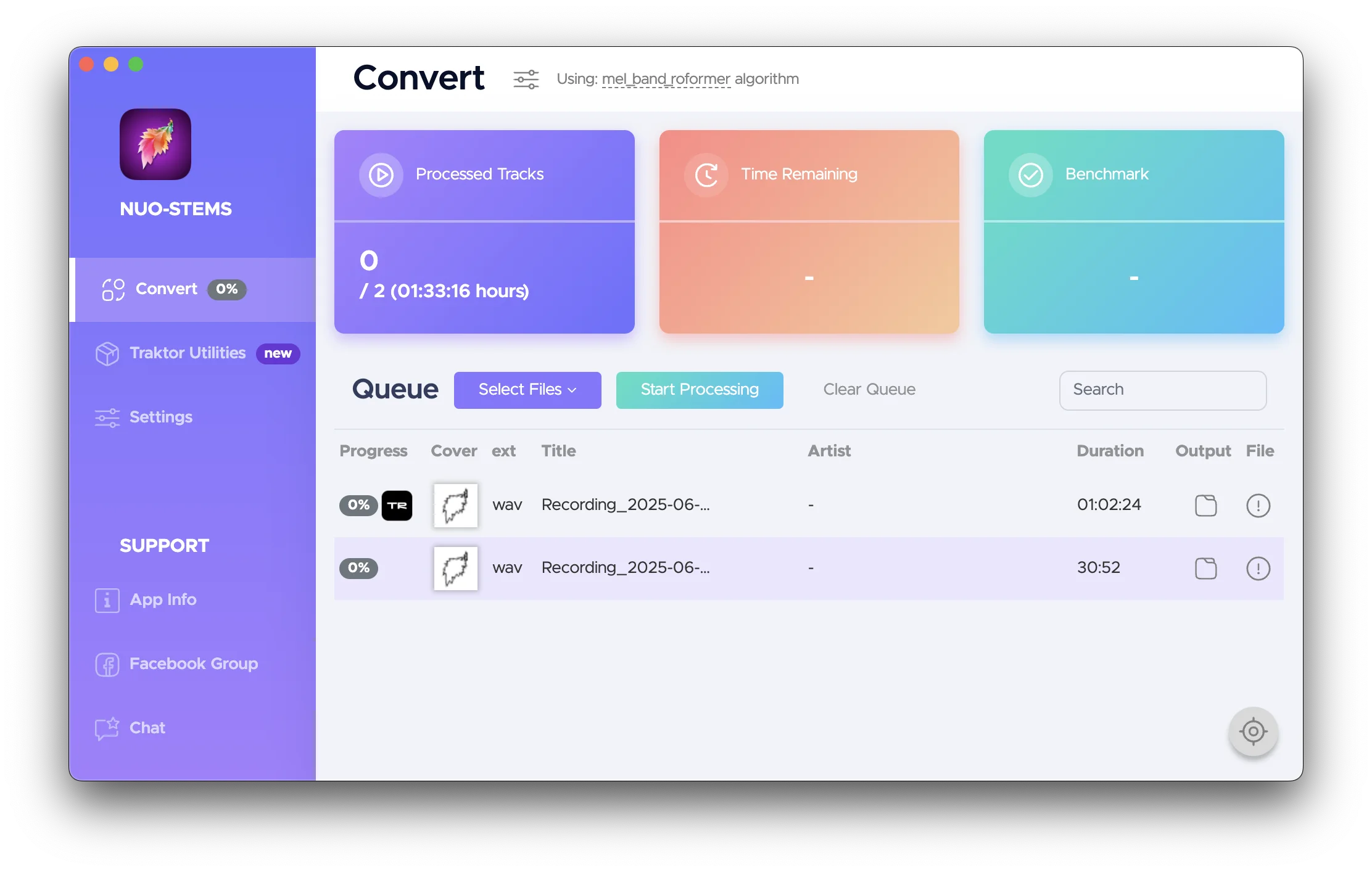 You can see 2 types of tracks in the Queue - "Traktor" tracks (have Traktor logo next to them) & regular tracks (don't have logo next to them)
Track is then showed in Traktor Utilities as pending conversion:
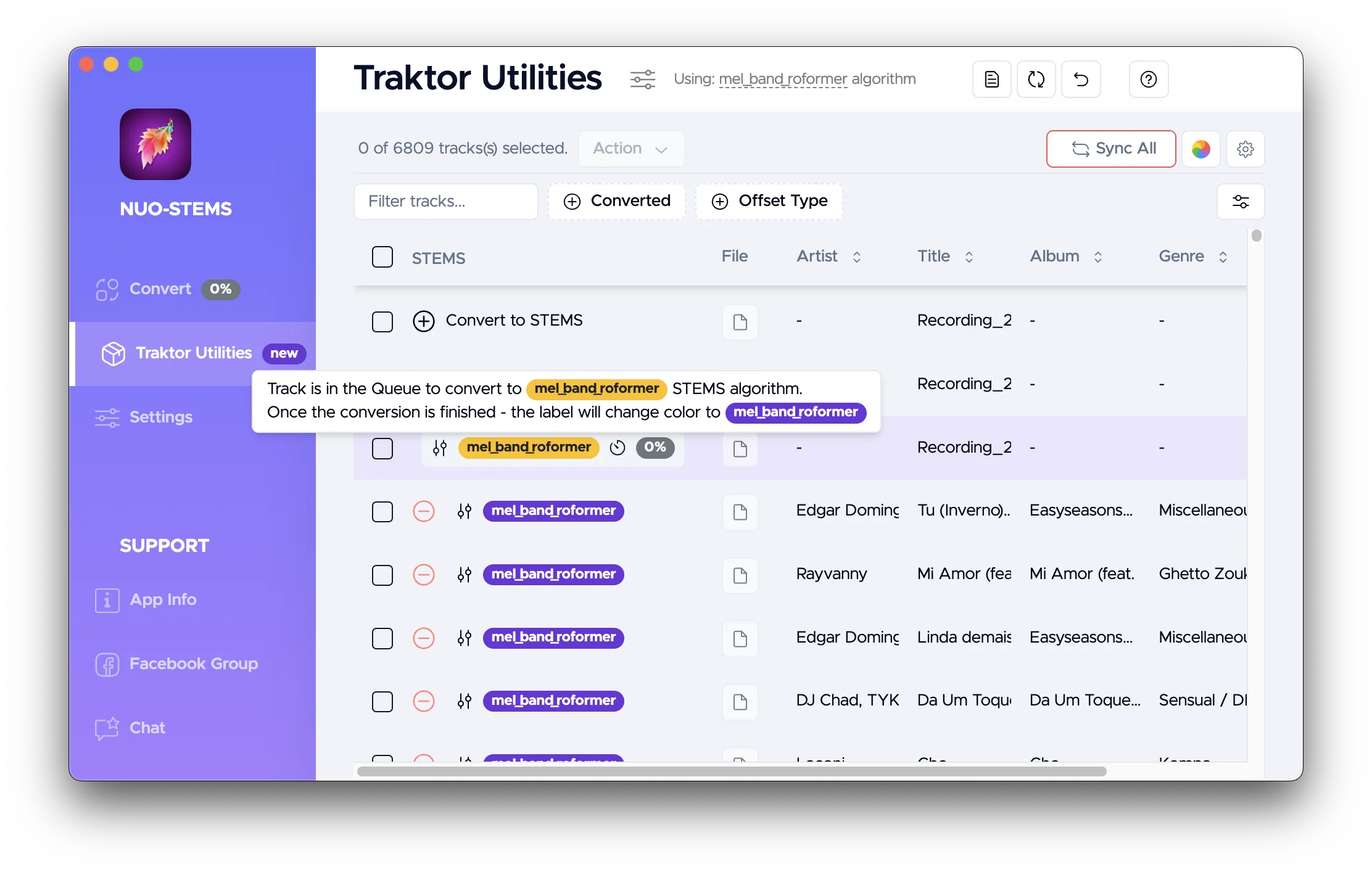
Change offset
This feature is for advanced users only.
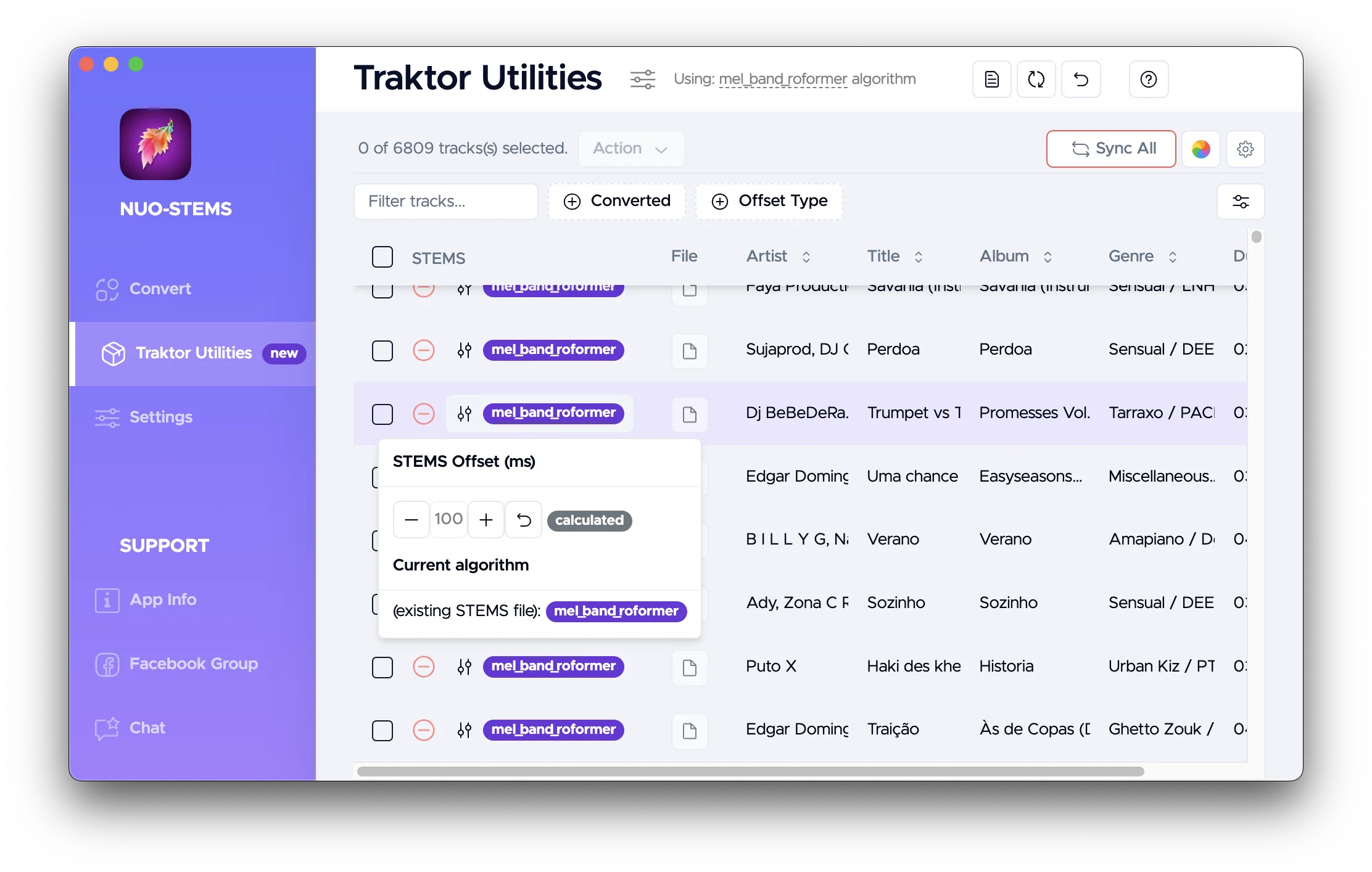
As mentioned in Advanced Settings - Added silence duration section, offset is calculated automatically to align beatgrids & hotcues in Traktor Pro between original & STEMS versions of the track.
Sometimes this calculated offset is not correct.
In these cases, you can manually adjust the offset in milliseconds, so that the beatgrids & hotcues in Traktor Pro are transferred correctly.
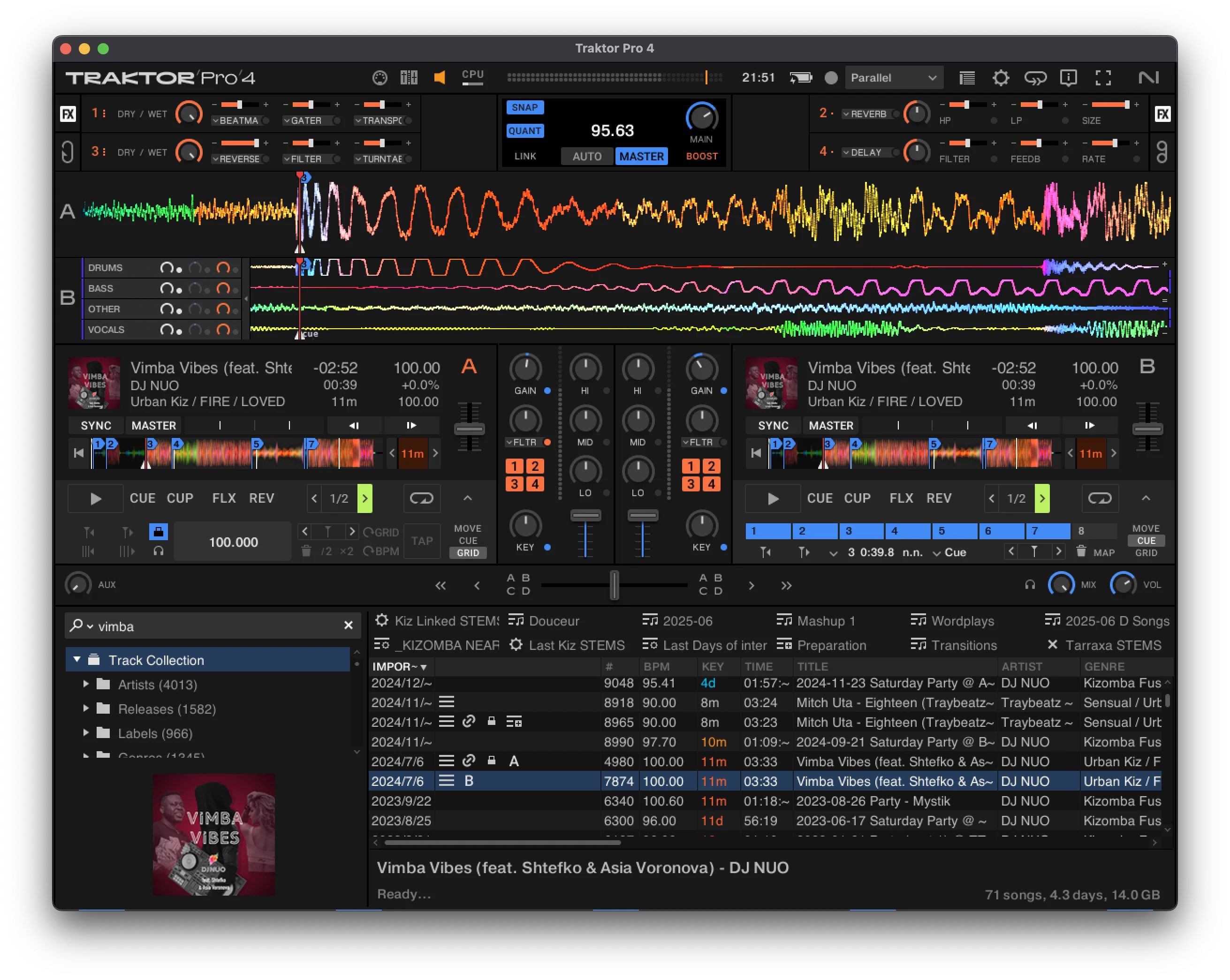 See Hotcue #3 - it's properly aligned between original & STEMS versions